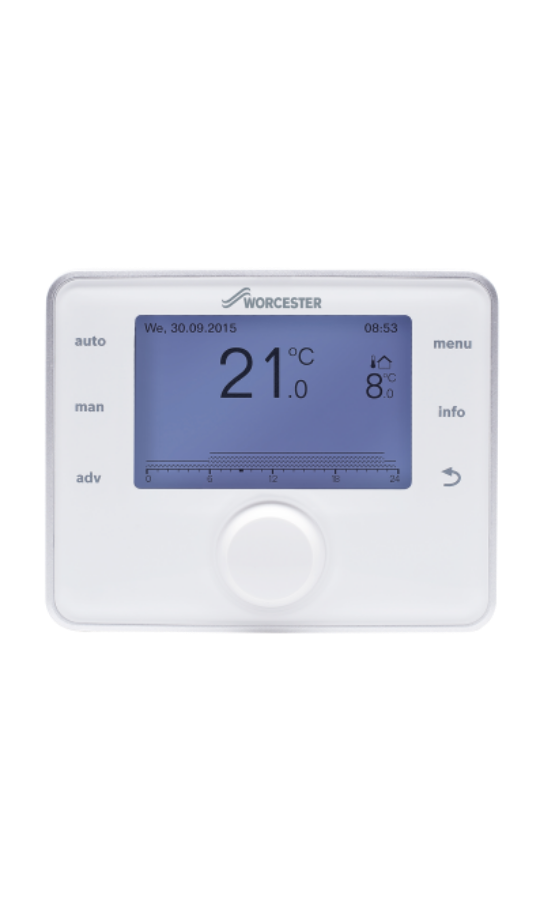



Every year our clocks go forward by an hour in March and fall back an hour in October as British Summer Time (BST) finishes and Daylight Saving Time (DST) starts. The majority of our controls have DST settings built in and will automatically change the time on Sunday morning, meaning you wont have to do anything. Take a look at your control below to check if you need to change the time, as well as instructions on how to do it.

Bosch EasyControl plus 3 ETRVs Range
The time and date setting of the EasyControl is automatically updated once connected to the internet.
This will automatically update when the clocks change.
There is no need to manually change the time or date on your EasyControl.

Comfort+ I RF
The Comfort+ I RF control will mean there is a Clock Programme on your boiler. There is no need to manually change the time or date on your control.
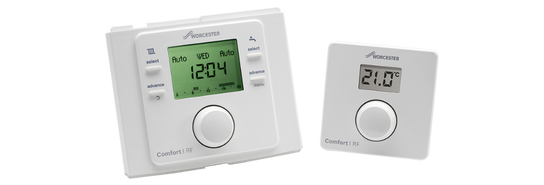
Greenstar Comfort I
This control has DST so there is no need to manually change your control time settings, however, please check that the DST setting and date is correct.
Setting the date & DST
- Press and hold the menu button for 3 seconds.
- Turn the knob to settings (shown by spanner symbol).
- Press the knob to enter.
- Turn the knob to time and date and press the knob.
- Turn the knob to display the date.
- Press the knob to select the date setting, the day flashes.
- Turn the knob to select the correct day.
- Press the knob to confirm the correct day and then the month flashes.
- Turn the knob to select the correct month.
- Press the knob to confirm and then the year flashes.
- Turn the knob to select the correct year.
- Press the knob to confirm to set the year.
- Turn the knob to display (DST) Daylight Saving Time ON.
- Press the knob and ON flashes.
- Turn the knob to select ON or OFF, if ON is selected the Programmer will automatically adjust the time in conjunction with (DST) Daylight Saving Time.
- Press the knob to confirm the selection.
Setting the time
- Press the knob to select clock time and the hours flash.
- Turn the knob to select the correct hour.
- Press the knob to confirm the selection and minutes flash.
- Turn the knob to select the correct minutes.
- Press the knob to confirm the selection.
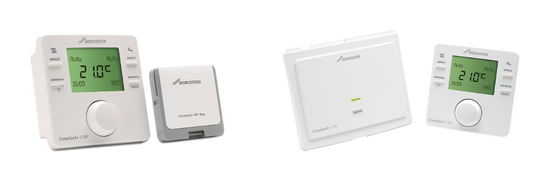
Greenstar Comfort II & Comfort+ II
This control has DST so there is no need to manually change your control time settings, however, please check that the DST setting and date is correct.
Setting the date & DST
- Press the menu button for more than three seconds to enter the menu
- Turn the knob to select Settings and press the knob to enter the function
- Turn the knob to select Time/date and press the knob to enter the function
- Press the knob to select clock time
- Press the knob and the hours flash
- Turn the knob to select the correct hour
- Press the knob to confirm the selection and minutes flash
- Turn the knob to select the correct minutes
- Press the knob to confirm the selection
- Turn the knob to display the date set up
- Press the knob to select the function, the day flashes
- Turn the knob to select the correct day
- Press the knob to confirm the correct day and the month flashes
- Turn the knob to select the correct month
- Press the knob to confirm and the year flashes
- Turn the knob to select the correct year
- Press the knob to confirm to set the year
- Turn the knob to display the DST (Daylight savings time)
- Press the knob and ON flashes
- Turn the knob to select ON or OFF
- Press the knob to confirm the selection
- Press the return button repeatedly to go back to the main screen
Setting the time
- Press the knob to select clock time and the hours flash
- Turn the knob to select the correct hour
- Press the knob to confirm the selection and minutes flash
- Turn the knob to select the correct minutes
- Press the knob to confirm the selection
Greenstar Sense II Weather Compensation Control
Setting the Autom. Time Switchover
- Select the menu button.
- Turn the selector to settings.
- Press the selector to enter settings.
- Turn the selector to Autom. Time Switchover.
- Press the selector to enter the Autom. Time Switchover settings.
- Turn the selector to show Yes and press to confirm.
Setting the date and time
- Select the menu button.
- Turn the selector to settings.
- Press the selector to enter settings.
- Select the time settings.
- Turn the selector to set the hours and the minutes.
- If the time is set correctly press the selector to apply the time.
- Return to settings to set the date